
SEO for Small Businesses: A Practical Guide to Getting More Customers From Google

When someone needs a plumber, an accountant, a dentist, or a web designer, they usually start with a Google search. If your business does not show up, that customer goes to a competitor.
That is why SEO for small businesses matters. It helps the right people find you at the moment they are looking for what you sell, without paying for every click.
This guide explains how small business SEO works and what to do first. It also covers how SEO fits into a larger system that turns searchers into paying customers. You do not need a technical background to follow it.
What Is SEO for Small Businesses?
SEO stands for search engine optimization. It is the process of improving your website and online presence so search engines can understand it and show it to people searching for your products or services.
SEO for small businesses focuses on the practical goals of a smaller company: more calls, form submissions, bookings, and quote requests. Small businesses usually have limited budgets and time, and often serve a specific area. So the approach is more targeted than what a large national brand needs.
A small business SEO plan usually covers:
- Finding the search terms your customers actually use
- Creating helpful pages that match those searches
- Making your website fast, secure, and easy for Google to crawl
- Building trust through reviews, mentions, and quality links
- Improving your local presence if you serve a specific area
Why SEO Matters for Small Businesses
Customers are already searching. Search traffic comes from people with a problem and a clear intent. Someone searching “emergency AC repair near me” is closer to buying than someone who scrolled past an ad.
Organic traffic keeps working. Paid ads stop the moment you stop paying. A well-optimized page can keep bringing in organic traffic for months or years, though it needs regular updates.
It builds trust. Many people trust organic results more than ads. Appearing consistently for relevant searches makes your business look established.
It levels the playing field. A small business will not outspend a national chain on ads. But with focused content and a strong local presence, you can compete for specific searches in your own market.
How SEO Works
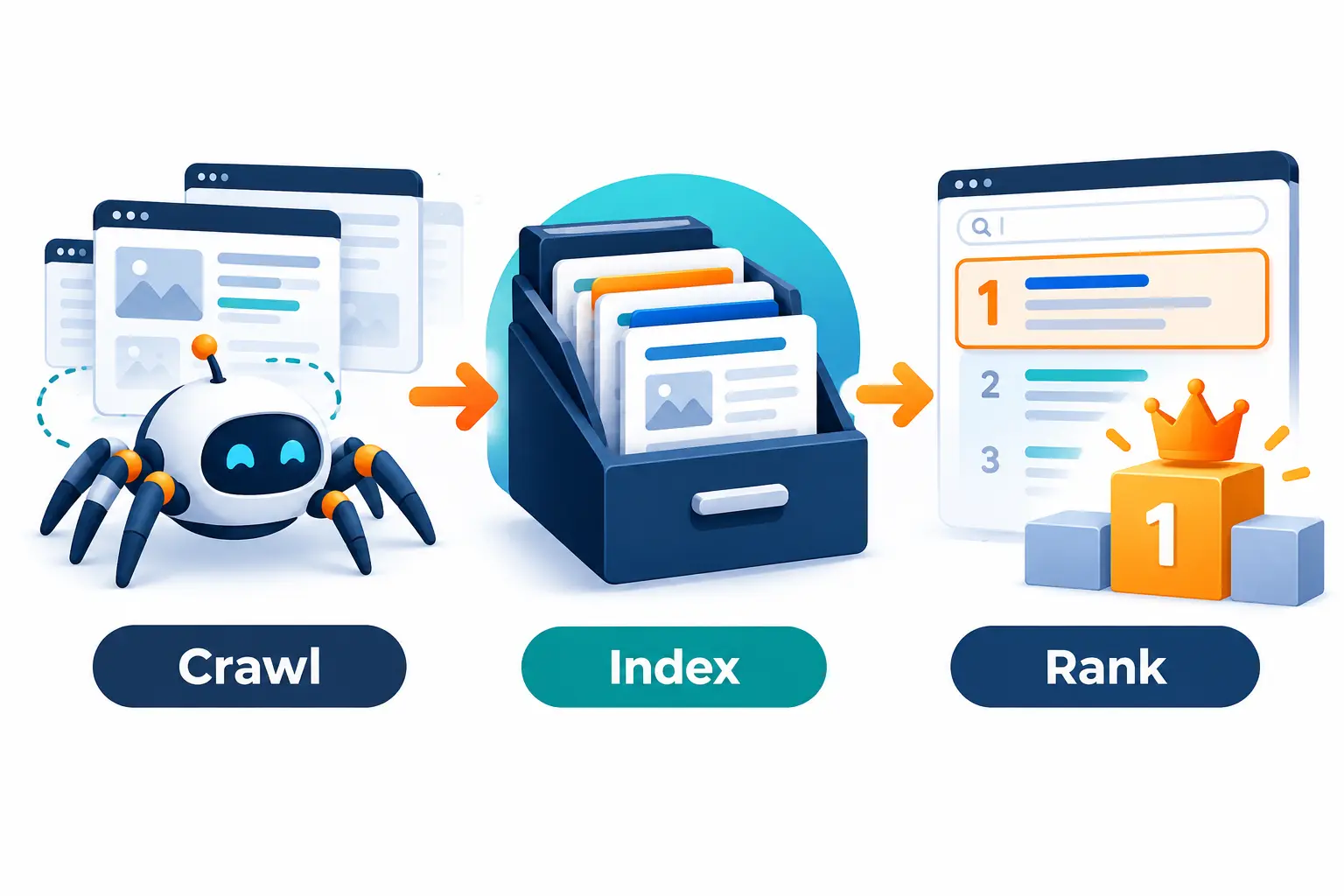
Search engines do three main things:
- Crawl: Automated programs scan the web and discover pages.
- Index: Google stores and organizes what it finds.
- Rank: When someone searches, Google decides which pages best answer the query and orders the results.
Google looks at many signals, but they fall into a few groups: relevance (does your page match the search?), quality (is the content helpful and trustworthy?), and usability (does the site load quickly and work on a phone?). For local searches, proximity and your Google Business Profile also matter.
No one can guarantee a specific Google ranking, because search results change constantly and depend on many factors. What you can do is improve the things within your control and measure progress over time.
Keyword Research: Start With What Customers Search
Keyword research is the foundation of small business SEO. It shows you what people type into Google, so you can create pages that match.
Understand Search Intent
Search intent is the reason behind a search. There are four common types:
- Informational: “how to fix a leaking faucet”
- Commercial: “best kitchen remodelers in Denver”
- Transactional: “book a house cleaning”
- Navigational: searching for a specific brand or site
For most small businesses, the best starting point is commercial and transactional keywords, because those searchers are closer to buying. Informational keywords support them by building trust and capturing people earlier in their decision.
A Simple Keyword Research Process
- List your services. Write down every service or product you offer.
- Add your location. For local businesses, pair services with cities, neighborhoods, or regions.
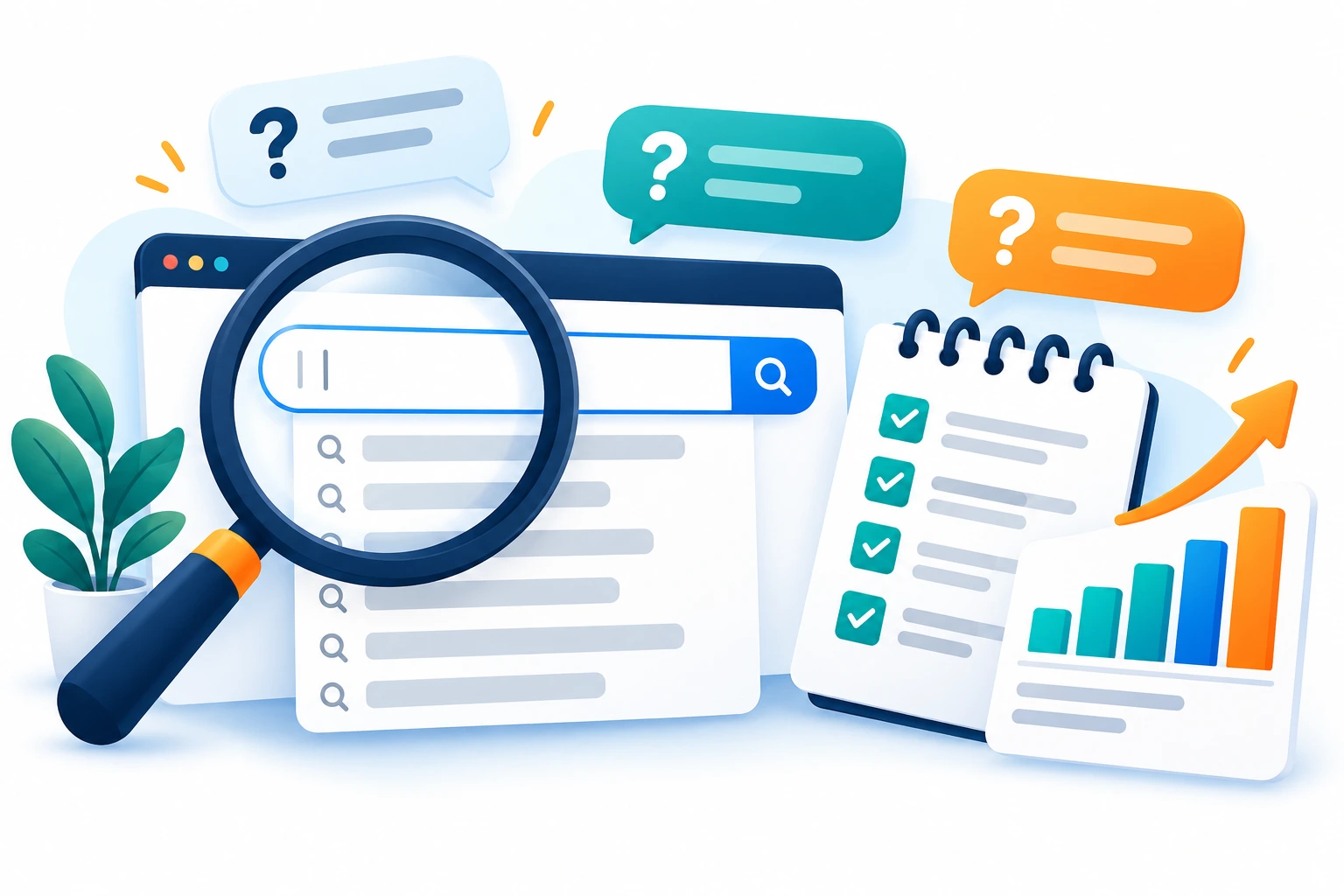
- Check Google’s suggestions. Autocomplete and “People also ask” show real phrasing.
- Look at competitors. See which pages appear for your target searches and what they cover.
- Use a keyword tool. Free and paid tools show approximate search volume and related terms.
- Assign one main keyword to each page. This prevents your own pages from competing with each other.
Example: A family-owned landscaping company might target “lawn care service in Austin,” “sod installation Austin,” and “how often to water new sod.” The first two are service pages, and the third is a helpful blog post.
On-Page SEO: Make Every Page Clear
On-page SEO is everything you do on the page itself to help search engines and visitors understand it.
On-Page SEO Checklist
- Put the main keyword in the title tag, ideally near the beginning
- Write a clear meta description that encourages clicks
- Use one H1 that describes the page
- Use H2 and H3 headings to organize the content
- Include the keyword and related terms naturally in the body
- Write short paragraphs and use bullet points
- Add descriptive alt text to images
- Use clean, readable URLs
- Include a clear call to action
The goal is to match the page to the search intent. If someone searches “how much does a roof repair cost,” a page that explains pricing factors will outperform one that only says “call us today.”
Technical SEO: Make Your Site Easy to Crawl
Technical SEO makes sure search engines can access and understand your site. It is less visible than content, but problems here can hold back everything else.
Technical SEO Basics
- Mobile-friendly design: Most searches happen on phones, so your site must work well on small screens.
- Fast page speed: Compress images, reduce unnecessary scripts, and use reliable hosting.
- HTTPS: Your site should use a secure connection.
- XML sitemap: This helps Google discover your pages. Submit it in Google Search Console.
- Clean site structure: Important pages should be reachable within a few clicks from the homepage.
- No broken pages: Fix or redirect dead links and error pages.
- No accidental blocking: Check that your robots.txt file and noindex settings are not hiding pages you want ranked.
Google Search Console is free and should be your first stop. It shows indexing problems, search queries, and performance data.

Content Strategy: Answer the Questions Customers Ask
Content gives search engines more ways to find you. A useful content strategy for a small business does not require publishing daily. It requires publishing the right pages.
Pages to Build First
- Service pages: One page for each core service, with details, benefits, process, and a clear next step.
- Location pages: If you serve multiple areas, create genuinely useful pages for each one. Avoid copying the same text and swapping the city name.
- About and trust pages: Show who you are, your experience, and your credentials.
- Blog posts and guides: Answer common questions, explain costs, compare options, and address concerns.
- FAQ content: Real questions from real customers make excellent content.
Content Ideas for Local and Service Businesses
- “How much does [service] cost in [city]?”
- “[Service A] vs [Service B]: which is right for you?”
- “What to expect during your first appointment”
- “Checklist: how to choose a [type of provider]”
- “Common [industry] mistakes homeowners make”
Focus on quality and usefulness. One well-researched page that fully answers a question usually beats several thin ones.
Internal Linking: Connect Your Pages
Internal links point from one page on your site to another. They help visitors find related information and help Google understand which pages matter most.
Some simple rules:
- Link from blog posts to relevant service pages
- Link between related articles
- Use descriptive anchor text, not “click here”
- Make sure important pages are linked from the main navigation or homepage
- Avoid overdoing it, since every link should help the reader
For example, a post about how SEO works can naturally lead readers to a page about professional SEO services for those who want help with implementation.
Link Building: Earn Trust From Other Websites
Backlinks are links from other websites to yours. Search engines treat quality links as a sign that others trust your content.
For a small business, link building should be realistic and relationship-based. Quality matters far more than quantity, and buying large bundles of links can put your site at risk.
Practical ways to earn links:
- Local organizations: Chambers of commerce, business associations, and community groups
- Sponsorships: Sponsor a local team, event, or charity that lists sponsors online
- Suppliers and partners: Ask vendors or partners to list you
- Local press: Share genuinely newsworthy updates with local media
- Helpful resources: Create guides or tools others want to reference
- Business directories: Use reputable, relevant directories
Avoid link schemes, private blog networks, and mass directory submissions.
Local SEO: Win Customers in Your Area
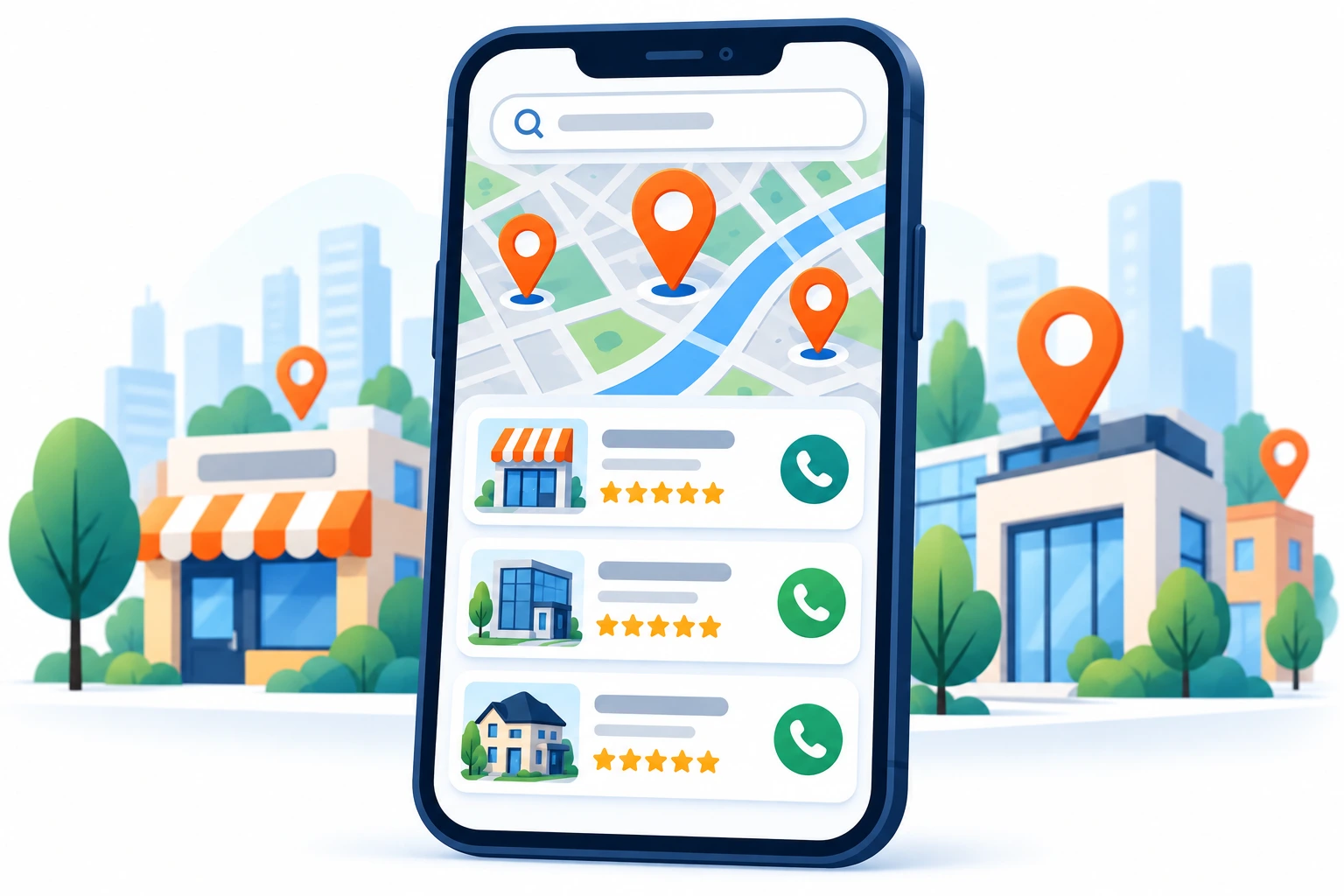
If you serve customers in a specific city or region, local SEO is one of the most valuable parts of small business SEO. It helps you appear in map results and location-based searches like “electrician near me.”
Local SEO is a subset of SEO. Traditional SEO helps you rank for topics and services broadly. Local SEO focuses on geographic relevance, so you show up for people nearby.
Local SEO Checklist
- Claim and complete your Google Business Profile
- Keep your name, address, and phone number (NAP) consistent everywhere
- Build location-specific service pages
- Collect and respond to customer reviews
- List your business in relevant local directories
- Earn links from local websites and organizations
- Embed a map and add local details to your contact page
Google Business Profile: Your Free Local Storefront
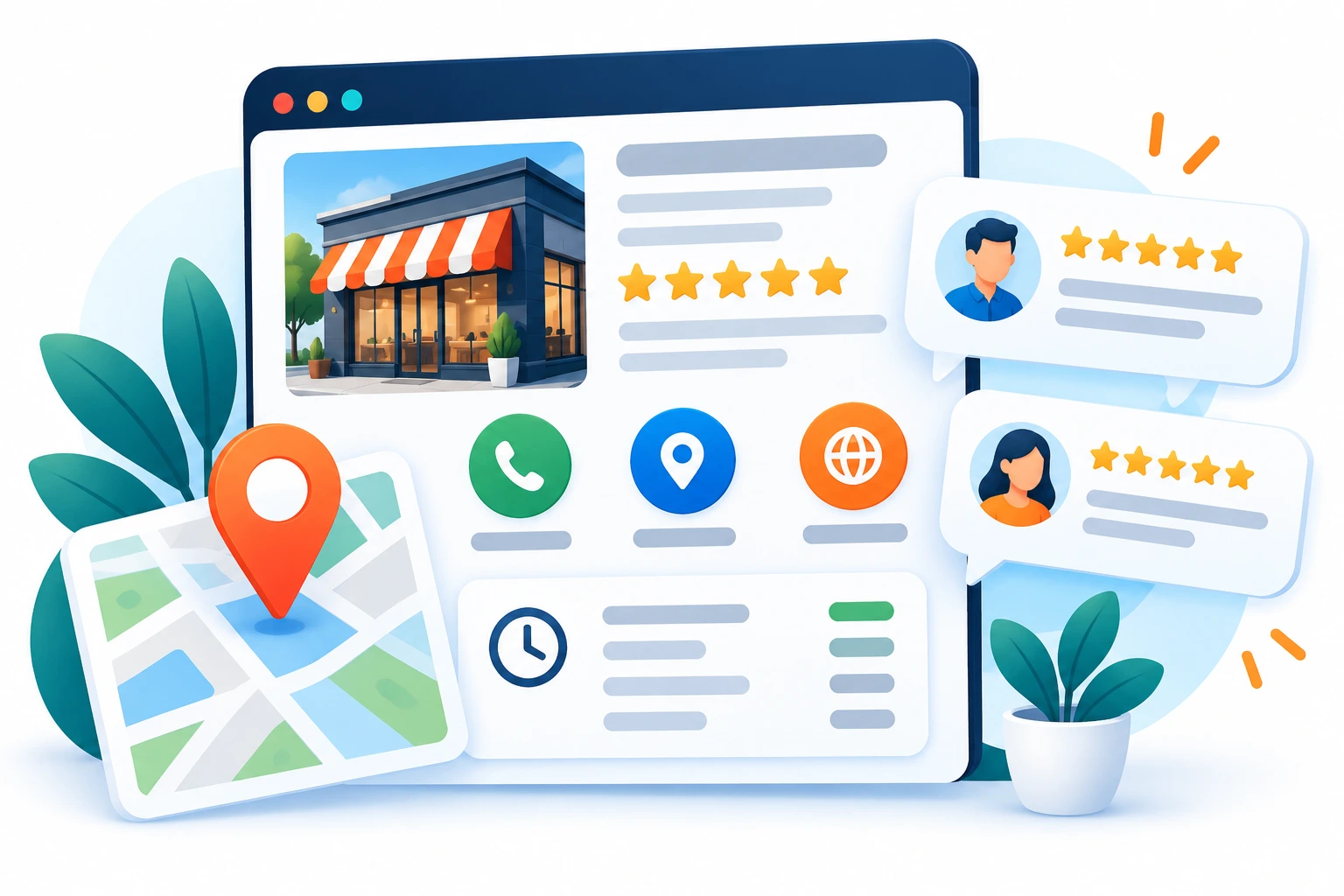
Your Google Business Profile is the listing that appears in Google Maps and the local pack. For many local businesses, it drives as many calls as the website does.
Steps to Set It Up Well
- Claim and verify your profile.
- Choose the right primary category. This is one of the most important settings.
- Add secondary categories that accurately describe your other services.
- Fill in every field: hours, phone, website, service areas, and business description.
- Add real photos of your team, location, and work.
- List your services with clear descriptions.
- Ask for reviews after each completed job and reply to every review.
- Post updates such as offers, projects, or announcements.
Keep information accurate and up to date, including holiday hours. A thoughtful local SEO strategy connects your profile, website, reviews, and citations so they reinforce one another.
Website Design and SEO
Web design affects SEO in several ways. A site that is slow, confusing, or hard to use on a phone frustrates visitors and makes it harder for Google to evaluate your pages.
Good website optimization supports both rankings and results:
- Clear navigation helps visitors and crawlers find pages
- Fast loading reduces the chance that people leave
- Mobile-first layouts match how most people browse
- Readable design keeps people engaged with your content
- Structured pages with headings and sections make content easier to scan
Design also shapes what happens after the click. Ranking well only helps if visitors take action. This is where web design and SEO work together: SEO brings people in, and design guides them toward contacting you.

SEO and Lead Generation
Traffic alone does not pay the bills. The real goal is lead generation: turning visitors into inquiries, calls, and bookings.
Here is how SEO, design, and follow-up fit together:
- SEO attracts visitors who are searching for what you offer.
- Local SEO puts you in front of nearby customers ready to act.
- Your website explains your value and builds trust.
- Conversion optimization makes the next step obvious, with clear buttons, short forms, click-to-call, and visible proof such as reviews.
- Lead follow-up ensures no inquiry falls through the cracks.
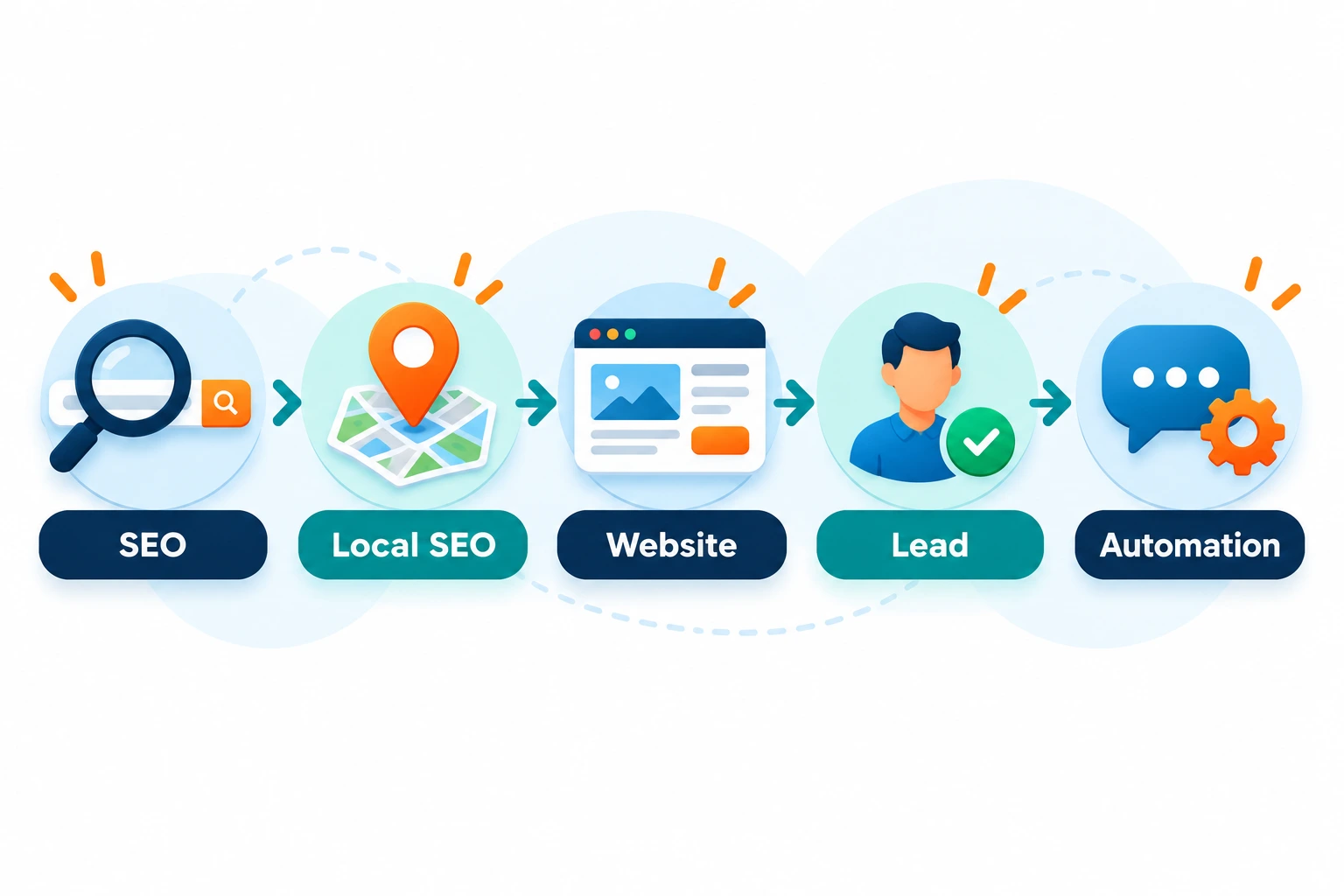
That last step is where many small businesses lose money. A lead who submits a form and hears nothing for two days often hires someone else. Marketing automation can help with instant confirmation messages, missed-call text-backs, appointment reminders, and follow-up sequences. Tools like GoHighLevel automation can handle these tasks so you respond quickly without doing everything by hand.
Think of it as a chain. If one link is weak, results suffer. Great rankings with a poor website waste traffic. A great website with no follow-up wastes leads.
Common SEO Mistakes Small Businesses Make
- Targeting keywords that are too broad. “Marketing” is far harder to rank for than “marketing for dentists in Tampa.”
- Ignoring search intent. A page must give people what they came for.
- Duplicate or thin content. Copying the same page for ten cities does not help.
- Neglecting Google Business Profile. An incomplete listing loses local customers.
- Skipping mobile optimization. A poor phone experience costs leads.
- Inconsistent business information. Different names, phone numbers, or addresses confuse search engines and customers.
- Buying cheap links. Low-quality links can do more harm than good.
- Not tracking results. Without data, you cannot tell what works.
- Expecting overnight results. SEO is gradual.
- Building traffic with no way to convert it. Visitors need a clear next step.
How Long Does SEO Take?
SEO usually takes months, not days. Many businesses start to see early movement within a few months, and stronger results often build over six to twelve months or longer. The timeline depends on:
- Your industry and how competitive it is
- The age and authority of your website
- The current condition of your site
- The quality and consistency of your content
- Your local market
- How much time and budget you can invest
Local searches sometimes respond faster than broad national searches, especially when you improve your Google Business Profile and reviews. But no honest provider can promise a fixed result or timeline. Track progress with metrics like impressions, clicks, calls, form submissions, and booked jobs, not only rankings.
How to Create an SEO Strategy for Your Small Business
Here is a step-by-step process you can follow.
- Set clear goals. Decide what success means: more calls, more quote requests, more bookings.
- Audit your current site. Check speed, mobile usability, indexing, and existing content in Google Search Console.
- Research keywords and intent. Build a list of services and locations and group them by page.
- Fix technical basics. Resolve speed, security, and crawl issues first.
- Optimize key pages. Improve titles, headings, content, and calls to action on your most important pages.
- Set up your local presence. Complete your Google Business Profile and start collecting reviews.
- Publish helpful content. Create pages and posts that answer customer questions.
- Build internal links and earn external links.
- Improve conversion. Make it easy to call, book, or request a quote.
- Automate follow-up. Respond to every lead quickly.
- Measure and refine. Review results monthly and adjust.
A clear SEO strategy prevents wasted effort by focusing on the actions most likely to support your business goals.

When Should a Small Business Hire an SEO Specialist?
Many owners can handle the basics themselves. But it may be time to bring in help when:
- You have limited time and SEO keeps getting pushed aside
- Your traffic has stalled despite regular effort
- Your rankings dropped and you do not know why
- You face technical issues you cannot solve
- You operate in a competitive market
- You are redesigning or migrating your website
- You want SEO, web design, and follow-up systems to work together
When choosing a specialist, ask about their process, how they report results, and how they measure success. Be cautious of anyone who guarantees first-page rankings, uses vague reporting, or wants long contracts without a clear plan.
Frequently Asked Questions About SEO for Small Businesses
What is SEO for small businesses?
SEO for small businesses is the practice of improving a small company’s website and online presence so it appears in Google for relevant searches. The aim is to attract more qualified visitors and turn them into customers.
Is SEO worth it for a small business?
For most small businesses, yes. SEO can bring steady, high-intent traffic without paying for each click. It works best when you have a website that converts, a clear offer, and patience. Results build over time, so it suits businesses planning for long-term growth.
How long does SEO take?
Expect several months before you see meaningful change. Many businesses see early signs within three to six months, with stronger results after that. Timing varies by competition, site condition, and effort.
How much does small business SEO cost?
Costs vary widely depending on the provider, your market, and the scope of work. Options include doing it yourself with tools, hiring a freelancer, or working with an agency, and pricing may be monthly, project-based, or hourly. Ask for a clear scope of work and reporting, and compare that against your goals.
Can I do SEO myself?
Yes. You can handle basics like keyword research, on-page SEO, your Google Business Profile, and content creation. It takes time to learn and apply, so some owners handle the basics and hire help for technical work or ongoing strategy.
What are the most important SEO strategies for small businesses?
The highest-impact steps are usually:
- Targeting keywords that match customer search intent
- Creating strong service pages
- Optimizing your Google Business Profile
- Earning customer reviews
- Making sure your site is fast and mobile-friendly
- Publishing helpful content
- Building quality local links
What is the difference between SEO and local SEO?
SEO aims to improve visibility in search results broadly, for any audience. Local SEO focuses on visibility for people searching near a specific location, including map results and “near me” searches. Businesses that serve a defined area usually benefit from both.
Does web design affect SEO?
Conclusion: Build a System, Not Just Rankings
SEO for small businesses works best when it is part of a complete system. Keyword research and helpful content attract the right visitors. Local SEO and a strong Google Business Profile bring in nearby customers. A well-built website turns visitors into leads, and automated follow-up makes sure those leads get a response.
You do not have to do everything at once. Start with your Google Business Profile, fix any obvious technical issues, and improve your most important service pages. Then build from there.
If you would like help creating a plan for your business, you can get in touch here to talk about your goals and what a realistic path forward looks like.